
How e-procurement portals actually work — submission mechanics that trip up new bidders
A plain-English guide to the portal mechanics — deadlines, file formats, logins and amendments — that catch new Canadian tender bidders off guard.
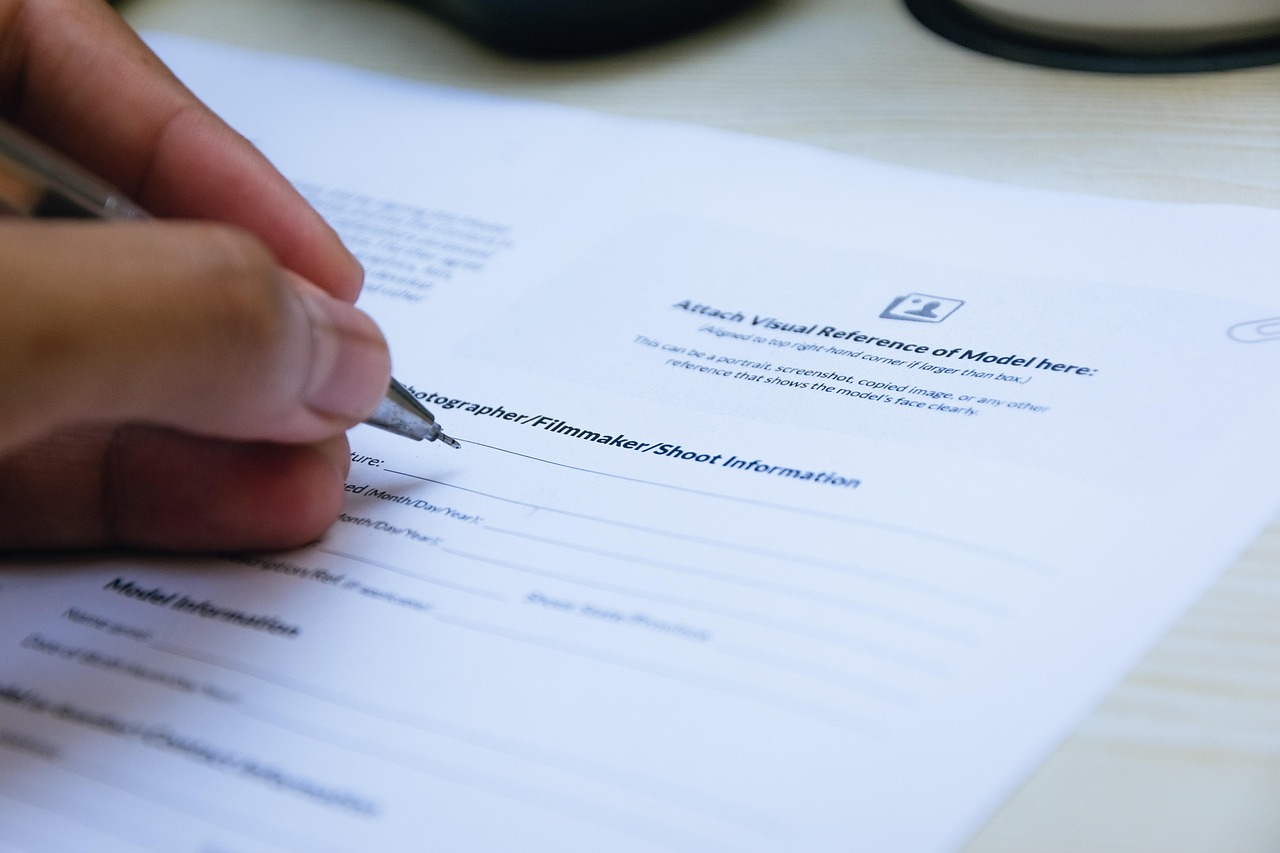
 Image by LoboStudioHamburg from Pixabay
You have written a strong proposal. Then, at 3:58 p.m. on the closing date, the upload bar freezes at 94% and the portal locks you out at 4:00 sharp. This happens to new bidders more often than you'd think, and it is almost never about the quality of the bid. It's about not understanding how the e-procurement portal — the government's online system for posting and receiving tenders — actually behaves under pressure.

What an e-procurement portal actually is
An e-procurement portal is the website a government buyer uses to publish a tender and receive submissions electronically. In Canada, the main federal one is CanadaBuys, but provinces and municipalities run their own — Ontario's system, Quebec's SEAO, BC Bid, Alberta Purchasing Connection, and dozens of municipal portals besides. Each one has its own login, its own file rules, and its own quirks.
These portals are not shopping websites. They are built by government IT departments to be secure and auditable first, and user-friendly second. That trade-off is the root cause of most submission problems. A portal that logs every keystroke for compliance reasons is also a portal that times out your session while you're still typing.
If you only remember one thing from this article, remember this: the portal is part of the bid. A brilliant proposal that arrives ninety seconds late, in the wrong file format, or without a required digital signature is treated exactly the same as no proposal at all. Buyers are not being unreasonable here — fairness rules mean every late bid, without exception, is rejected, no matter how good it is.
The submission window is stricter than you think
Every tender has a closing date and time — the exact moment the portal stops accepting submissions. Most portals timestamp your submission the second the last byte finishes uploading, not the second you click "submit." That distinction has ended good bids that looked fine at 3:59.
A few mechanics catch new bidders out again and again:
- Server time, not your clock. The portal runs on its own server time, usually Eastern Time regardless of where you are. Your laptop clock being two minutes fast or slow does not matter — the server's clock is the only one that counts.
- Large files take longer than you expect. A 40MB proposal with high-resolution scans can take several minutes on a slow office connection, and government portals often slow down during high-traffic periods near deadlines.
- The portal can queue you. When hundreds of suppliers upload at once near closing time, some systems place submissions in a processing queue. If the queue is still processing when the clock hits zero, your bid may not count.
- Confirmation emails are not proof of timing. Some portals send a receipt email minutes after the actual upload completed. Treat the in-portal timestamp, not the email, as the record that matters.
The practical fix is simple and almost nobody argues with it: finish your upload at least two to three hours before closing, not two to three minutes. Build that buffer into your internal deadline, and treat the real closing time as a hard wall you never approach.
File formats, naming and size limits
Every portal specifies acceptable file types — usually PDF, sometimes with Word or Excel attachments for pricing sheets. Read the tender's submission instructions carefully, because the rules are not always the same as the last tender you bid on.
Common formatting traps include:
- Wrong file type. Submitting a scanned image (.jpg) instead of a searchable PDF, or a zipped folder when the portal wants individual files.
- File names that break the system. Special characters, accents, or spaces in file names can cause upload errors on older portal software. Stick to letters, numbers and hyphens.
- Exceeding size limits. Portals often cap individual files at 20–50MB. If your technical proposal has embedded high-resolution images, compress them well before the deadline.
- Password-protected or locked PDFs. Evaluators need to open, copy text from, and sometimes print your document. A locked file can be rejected outright.
- Missing required forms. Many tenders require specific government-issued forms to be filled in, saved with a particular file name, and uploaded as a separate attachment — not merged into your main proposal.
When you're unsure how a requirement should be read, the safest move is often to check a statement of work line by line against the submission checklist before you upload anything.
Accounts, access and the paperwork behind the login
Before you can submit anything, you usually need a registered supplier account. On CanadaBuys, that means completing your supplier registration and building out a Supplier Registration Information profile — the standard record of your business details that buyers pull from when they review who's bidding.
A few access issues show up constantly with new bidders:
- Multiple people, one account. If your bid coordinator is unreachable during a submission deadline and nobody else has login credentials, you cannot submit. Always give at least two people in your organization portal access.
- Two-factor authentication delays. Some portals require a code sent by text or email to log in. If that code goes to a phone that's switched off or an inbox nobody checks, you lose time you don't have.
- Expired or unverified accounts. Accounts that sit unused for months sometimes need re-verification before they'll accept an upload. Log in and check your account status a few days before any deadline, not on the day itself.
- Digital signatures and attestations. Some submissions require you to click through a formal attestation — a legal statement confirming your bid is true and complete — or attach a bid bond document. Missing this step can invalidate an otherwise perfect submission.
The rollout of a shared "Tell Us Once" attestation system, part of the new Small Business Procurement Program, is meant to reduce this friction by letting suppliers store standard attestations once and reuse them across bids rather than re-entering the same information for every tender. Where it's already usable, it's worth setting up — see how to use Tell Us Once attestations for the mechanics.
Addenda, amendments and version control
Buyers frequently change a tender after it's published — fixing a typo, extending the deadline, or adding a clarification. These changes are called addenda or amendments, and the portal usually requires you to formally acknowledge you've read them, sometimes by signing and re-uploading a specific form.
Two mistakes happen repeatedly here. First, bidders miss an amendment entirely because they weren't watching the tender page after their initial download, and submit against an outdated version of the requirements. Second, bidders acknowledge the amendment but forget to update their pricing or technical response to match a changed requirement, which can make an otherwise strong bid non-compliant. A closer look at handling amendments and addenda walks through how to track changes without losing your place.
Set a habit of checking the tender listing on live tender search every few days between download and submission, not just once at the start.
A pre-submission checklist worth keeping
The table below is a quick reference for the mechanics that most often trip up first-time bidders on Canadian e-procurement portals. It is not a substitute for reading the actual tender instructions, but it catches the recurring failure points.
| Check | Why it matters | When to do it |
|---|---|---|
| Portal account active and verified | Expired accounts can block last-minute uploads | 5+ days before closing |
| At least two people have login access | One person being unreachable shouldn't sink the bid | Before you start bidding |
| All required forms downloaded and completed | Missing forms are a common compliance failure | As soon as tender is downloaded |
| File formats match portal instructions | Wrong formats can be rejected automatically | Before final assembly |
| File sizes under stated limits | Oversized files may fail to upload | Before final assembly |
| Amendments checked and acknowledged | Bidding on outdated requirements is disqualifying | Every few days until closing |
| Test upload attempted (if portal allows) | Reveals technical issues while there's time to fix them | 2–3 days before closing |
| Final submission completed | The only timestamp that counts is the one in the portal | 2–3 hours before closing, minimum |
What happens after you hit submit
Once your bid is in, most portals generate a confirmation receipt with a timestamp and a reference number — save it. This is your proof of timely submission if a dispute ever arises. Some portals let you withdraw and resubmit a bid before the deadline if you spot an error; others lock the submission the moment it's received, so check which type you're dealing with before you assume you have a second chance.
After closing, your bid moves into evaluation, where buyers check compliance first and then score against the criteria in the tender. If you want to understand what evaluators actually do with your submission once it's in their hands, what happens after you submit a bid covers that process, and how government evaluates bids explains how the scoring itself works. It's also worth knowing the difference between a mandatory requirement and a rated one before you assemble your submission, since a single missed mandatory item — including a portal-related one, like a missing signature page — can disqualify a bid before evaluators even reach the pricing.
Provincial and municipal portals aren't all the same
Don't assume every portal in Canada behaves like CanadaBuys. Quebec's SEAO system has its own registration and certification steps — see the guide to bidding on Quebec public contracts via SEAO if that's a market you're targeting. Ontario municipalities often run separate regional portals with their own account systems, covered in the guide to bidding on municipal tenders in Ontario. If you're weighing which level of government to focus your energy on first, federal vs provincial vs municipal procurement is a useful primer, and choosing between provincial and federal opportunities can help you decide where your team's time is best spent. You can browse live opportunities across categories and provinces on the opportunity landing pages or look up a specific buyer's history on their agency profile.
Every portal you register on is a small piece of infrastructure you now depend on. Learn its quirks before a deadline forces you to learn them the hard way, keep your account access shared across your team, and always finish early. The technology behind Canadian procurement keeps improving, but until every portal works flawlessly under load, the safest strategy is still to treat the clock as your strictest evaluator. For more on the fundamentals of bidding well, the Resources hub has further guides to work through.